 Aurora
iPhone & iPad · Requires iOS 17
Aurora
iPhone & iPad · Requires iOS 17
A living canvas that paints with you.
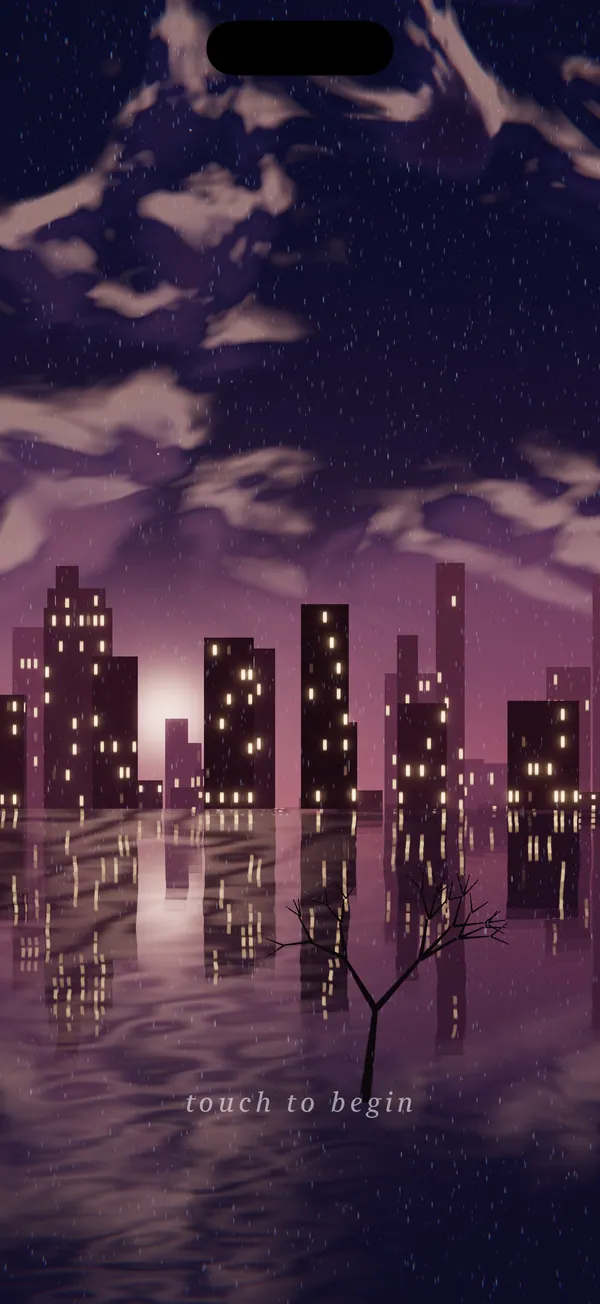
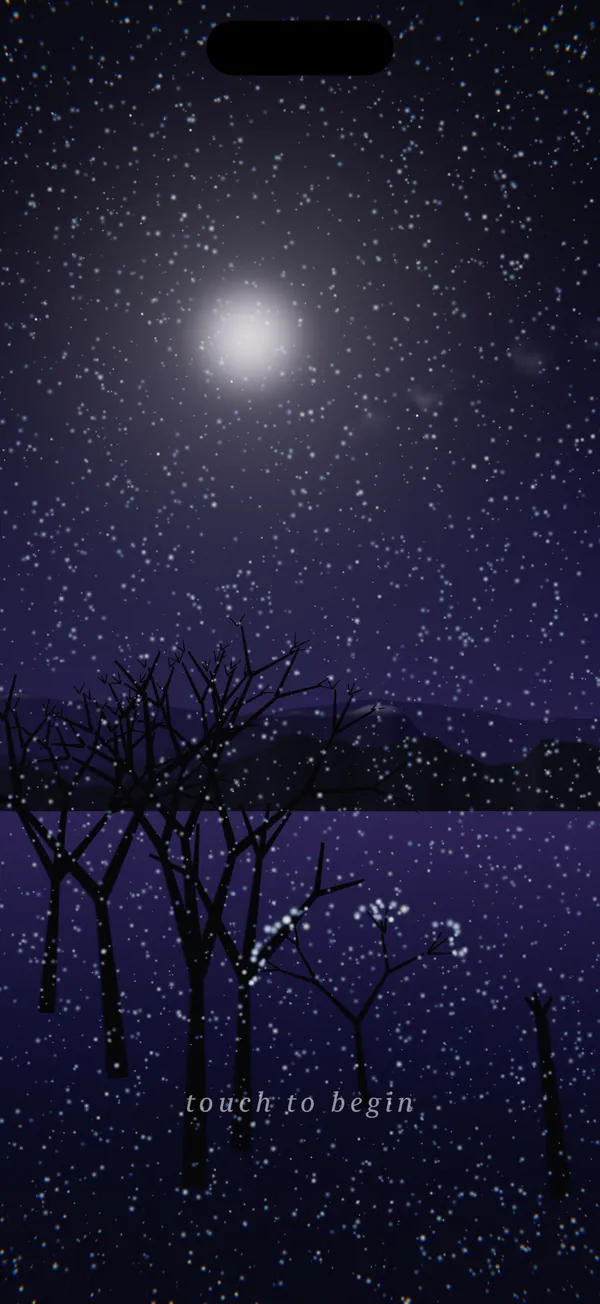
Light, slow gestures grow skies, clouds, cities, forests, water, and aurora — then the scene keeps breathing on its own. No menus, no scores, no wrong moves. A place to exhale.

Watch it move
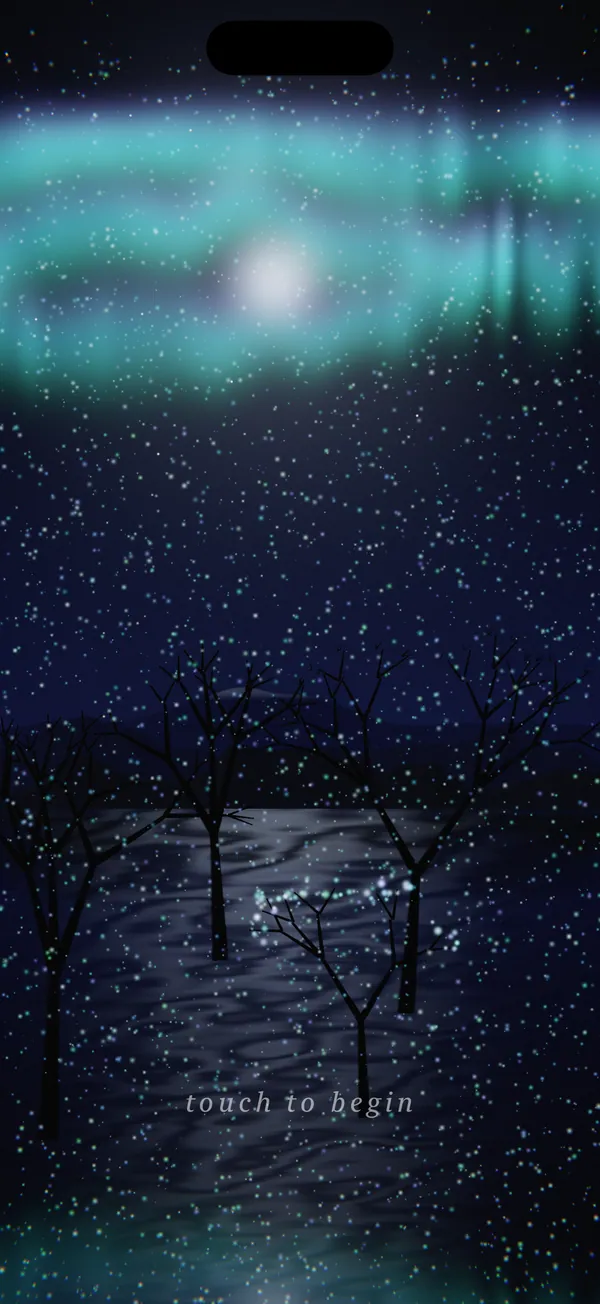
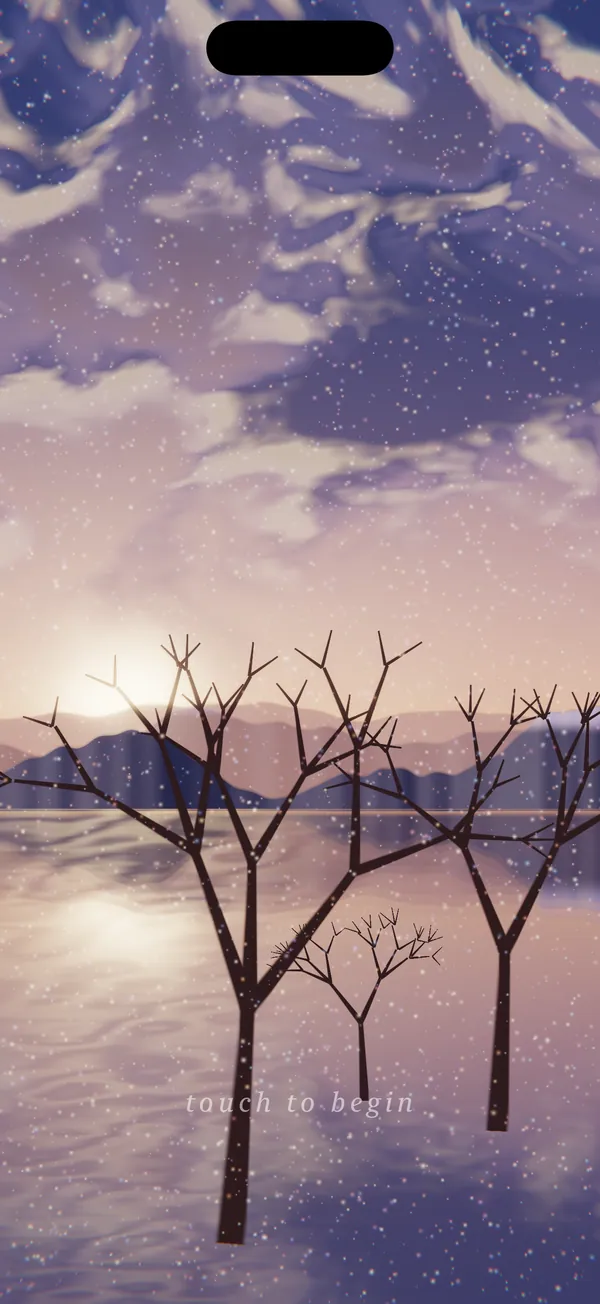
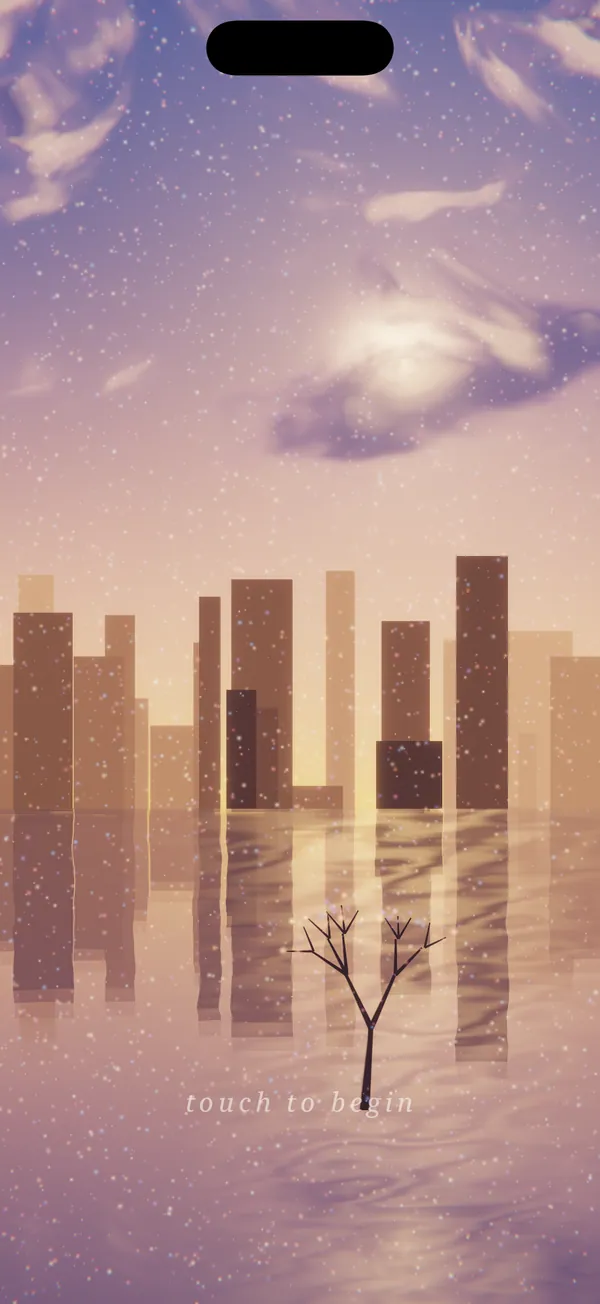
Five of Aurora's moods. Every scene is grown live on your device — seeded by your gestures, then left to breathe — so no two are ever quite the same.
How it moves
- Tap
- Seed a sparkle burst, a building on the horizon, or a tree in the foreground.
- Slow drag
- Set a wind that particles, clouds, aurora, and water keep following.
- Press & hold
- Gather light — thicken the clouds, brighten the aurora.
- Two-finger twist
- Scrub the time of day, from dusk to deep night.
- Two-finger tap
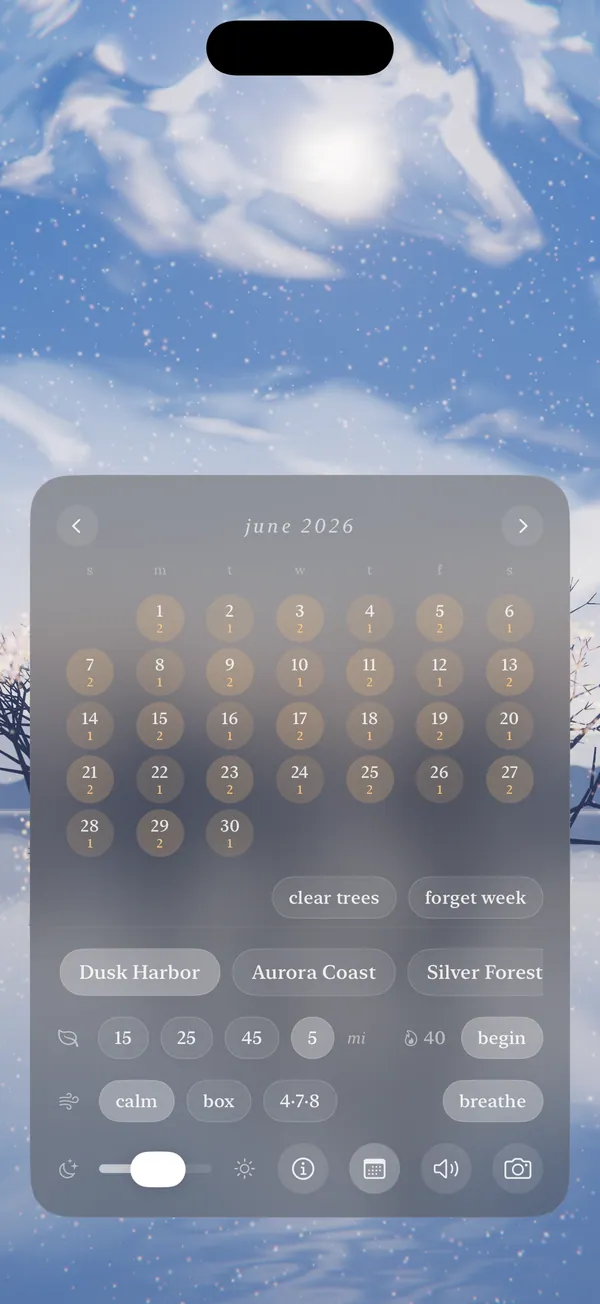
- Reveal moods, focus timers, breathwork, brightness, mute, and capture.
Two fingers away
Tap two fingers anywhere and a frosted panel rises out of the scene: moods to drift between, focus timers, breathing patterns, brightness, capture. A quiet calendar counts your focus sessions — each one grows the scene's forest a little further. Let the panel fade, and it's just you and the sky again.
It keeps you company
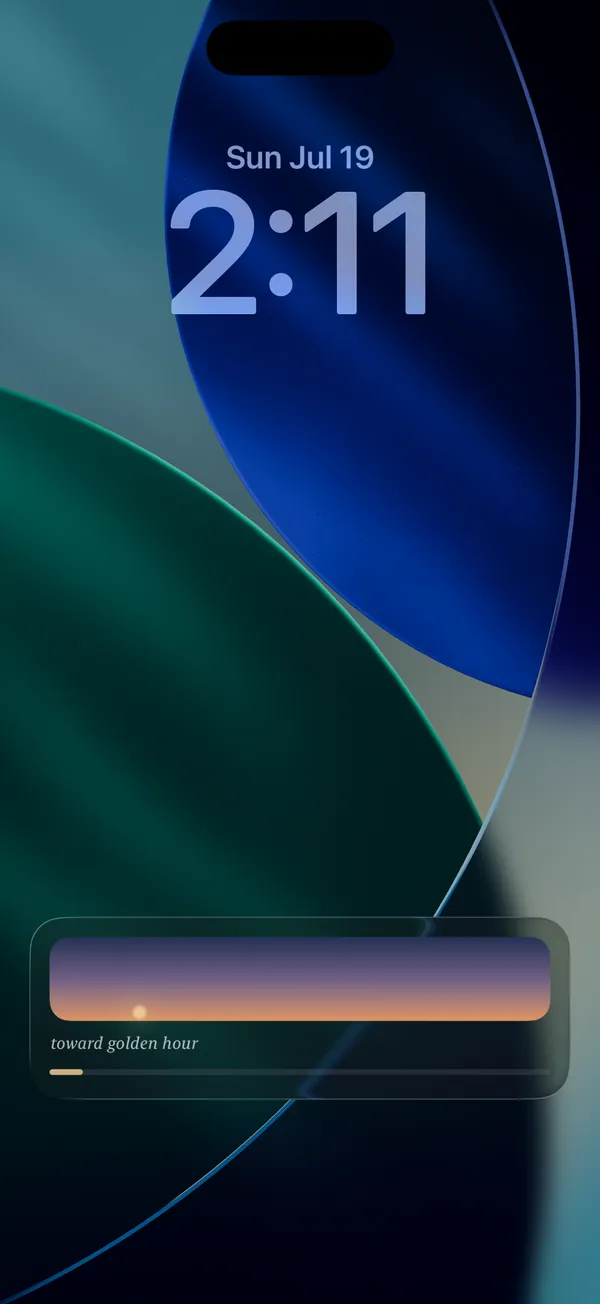
Begin a focus session and set the phone down. Aurora follows along from the Lock Screen and the Dynamic Island — a small horizon drifting toward golden hour while your minutes fill, and a gentle note when you arrive.
Aurora has no accounts and no ads, and nothing you make ever leaves your iPhone or iPad. To help us improve the app, it shares anonymous usage analytics — you can turn that off in the app at any time. The Privacy Policy has the full picture.